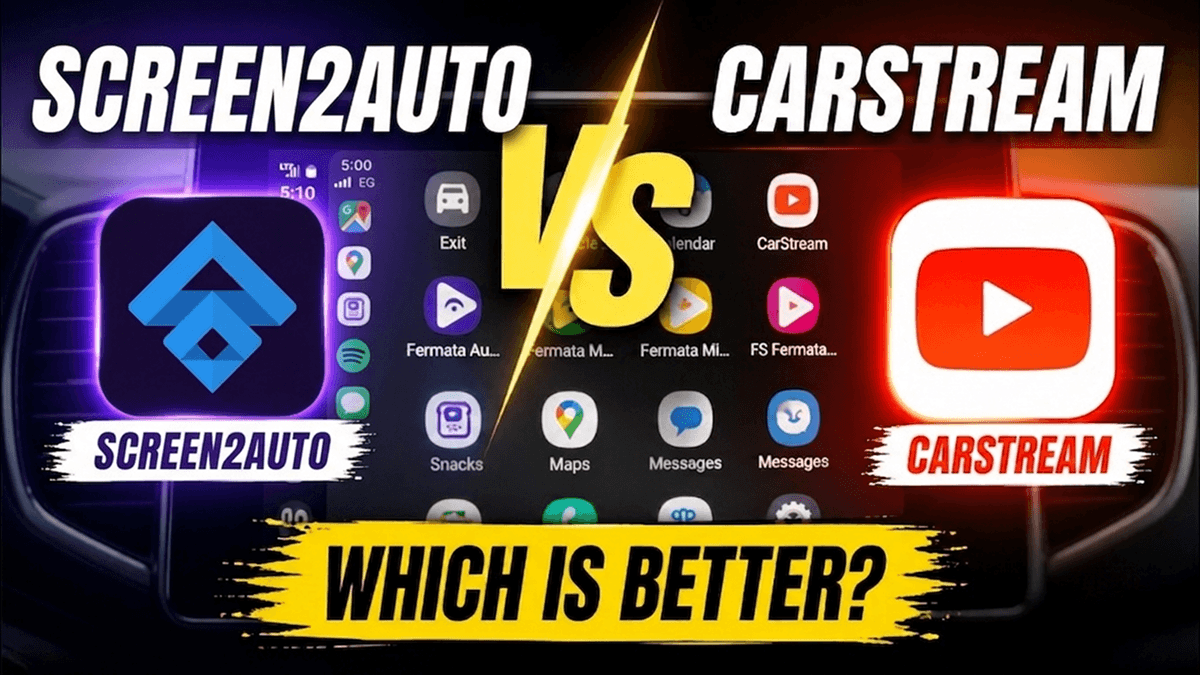
CarStream vs Screen2Auto: 2026 Comparison Guide

Last updated: August 2026
✅ Direct Core Verdict: CarStream is optimized purely for lightweight video streaming, whereas Screen2Auto turns your head unit into a full Android tablet interface.
✅ Android 14 Compatibility: Both apps function on Android 14 (tested on Redmi A12) without root, provided specific permissions and AA Developer settings are configured.
✅ Key Technical Distinctions: Screen2Auto requires advanced overlay/accessibility permissions and uses more system resources; CarStream operates cleanly inside a dedicated video browser shell.
✅ Step-by-Step Installation: Complete deployment paths via AAStore and Android Auto Developer Mode settings.
CarStream vs Screen2Auto is the ultimate comparison for drivers wanting video streaming and full smartphone mirroring on their car's dashboard. While both third-party tools bypass standard Android Auto limitations without requiring root access on modern devices like the Redmi A12 running Android 14, they serve entirely different use cases.
Key Technical Comparison
| Feature | CarStream | Screen2Auto |
|---|---|---|
| Primary Purpose | Web-based video streaming (YouTube, web media) | Full smartphone screen mirroring & control |
| User Interface | Simplified, media-focused browser interface | Custom desktop launcher with app drawer |
| Setup Complexity | Low (Requires Android Auto Developer Mode) | Moderate (Requires Display Over Apps & Accessibility) |
| Audio/Video Sync | Excellent for native video streams | Dependent on screen capture frame rate & processor |
| System Overhead | Minimal CPU and battery consumption | Higher thermal & battery draw (active screen encoding) |
| Touch Integration | Basic media touch points | Advanced touch forwarding, scaling, and DPI adjustment |
What Is CarStream?
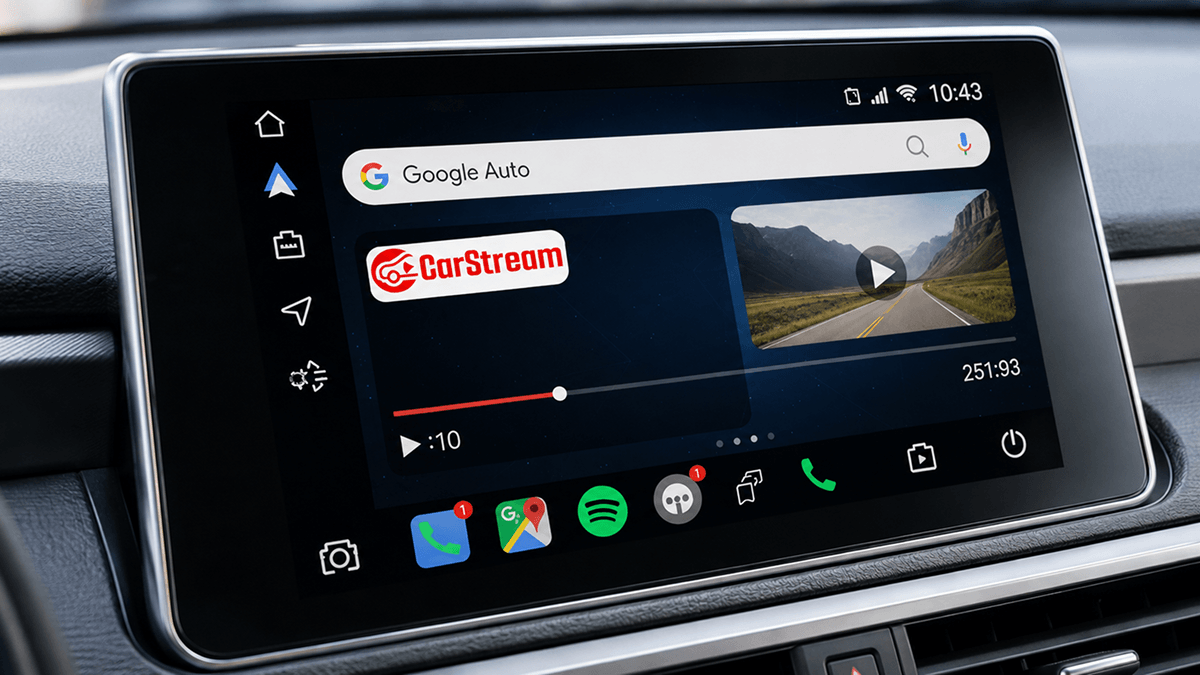
CarStream is a targeted solution built specifically for watching web videos (primarily YouTube) on your car display. It renders content directly through a customized web view interface, eliminating unnecessary phone UI elements and optimizing control buttons for standard vehicle touchscreens.
Key Strengths of CarStream:
- Dedicated Media Interface: Large control targets optimized for in-vehicle displays.
- Minimal Hardware Strain: Keeps thermal output low on mid-range devices like the Redmi A12.
- Direct Audio Routing: Audio syncs directly through Android Auto’s native media channel.
What Is Screen2Auto?
Screen2Auto transforms your vehicle's head unit into a full Android tablet interface. By leveraging display streaming and touch-injection services, it duplicates your entire phone screen. This allows you to launch any non-supported application—from social feeds to alternative map engines—directly on your dashboard.
Key Strengths of Screen2Auto:
- Full Phone Mirroring: Stream and control any app installed on your device.
- Custom Launcher: Replaces the stock interface with a full app drawer and customizable shortcuts.
- Display Tweaks: Offers custom resolution, DPI scaling, and screen rotation forces.
System Requirements & Permissions Breakdown
- Device: Tested on Redmi A12
- OS: Android 14
- Essential Permissions (Screen2Auto): Display over other apps, Screen Capture (MediaProjection), and Accessibility Services.
- Essential Settings (Both): Android Auto Developer Mode enabled with "Unknown sources" checked.
Step-by-Step Installation Guide (Android 14)
Step 1: Install and Activate AAStore
- Open Google Chrome on your phone and go to
[https://aastore.carstream.app/](https://aastore.carstream.app/). - Tap the Chrome menu (⋮) in the top-right corner and select Add to Home screen.
- Open AAStore from your home screen, go to the Account tab, enter your registered checkout email, and tap Save & Verify to unlock your installation slots.
Step 2: Download and Install Your Preferred App
- Search for CarStream or Screen2Auto in the AAStore catalog.
- Tap Install App to download the package.
- When the Android installer prompt appears, tap Install, then tap Done.
Step 3: Enable Developer Settings in Android Auto
This step is mandatory on Android 14. Uncertified third-party apps will not render on the car display without it.
- Open your phone Settings and navigate to Android Auto.
- Scroll down to Version and tap it 10 times in rapid succession until a message confirms developer privileges.
- Tap the top-right three-dot menu (⋮) and choose Developer settings.
- Enable the Unknown sources checkbox.
- Set Application Mode to Developer.
Step 4: Launch on Vehicle Display
- Connect your Redmi A12 to your car via a data-capable USB cable or wireless adapter.
- Open the Android Auto app drawer on your dashboard.
- Select CarStream or Screen2Auto.
What are the pros and cons of CarStream?
Understanding the strengths and weaknesses of CarStream will help you decide if this single-purpose application is the right fit for your dashboard.
The Pros of CarStream
- No Rooting Required: You do not need to perform complex or risky modifications on your Android device. It installs easily as a sideloaded app via AAStore.
- Dedicated YouTube Interface: Unlike mirroring apps, CarStream features a clean, simple, and optimized user interface designed specifically for viewing and playing YouTube content on a vehicle's dashboard.
- Low System Resource Usage: Because it is only rendering YouTube stream content and not encoding your entire phone screen, it keeps memory usage minimal, saves battery life, and prevents overheating.
- Touchscreen Controls: It supports native touchscreen interactions on your car's head unit, making video searching, pausing, and resuming highly intuitive.
The Cons of CarStream
- Strictly Limited to YouTube: You cannot watch Netflix, TikTok, or run any other media or social applications. It is entirely a single-purpose tool.
- Android Auto Design Compliance: CarStream does not comply with the latest Android Auto design specifications. This means that future Android Auto updates might cause visual scaling issues or lead to occasional stability bugs.
- OS Compatibility Limitations: CarStream is compatible only with devices running Android 14 and below. If you run a newer Android version, the application will not launch properly on your head unit.
What are the pros and cons of Screen2Auto?
If you are considering Screen2Auto, weighing its versatile pros against its technical cons is essential for a smooth user experience.
The Pros of Screen2Auto
- Complete Screen Mirroring: It lets you bypass all native content blocks, projecting your entire phone screen to your car dashboard. You can watch Netflix, stream TikTok videos, read articles, or use any mobile web browser.
- Highly Customizable Display: Screen2Auto is packed with optimization features. You can adjust screen resolution, scale the DPI, and force orientation changes to ensure that your phone's screen matches your car screen perfectly.
- No Root Required on Modern Devices: As verified in our testing run, modern devices running Android 14 do not require root access to achieve full mirroring when installed via AAStore.
- Full Touch Mapping: You can navigate your mirrored apps directly from your car's touch display, making it feel like a native application experience.
The Cons of Screen2Auto
- Higher Computing and Battery Demands: Real-time screen encoding requires continuous processing. This can cause your phone to run warmer than usual and drain the battery quickly if it is not plugged into a fast-charging port.
- Complex Initial Configuration: Getting the aspect ratio, screen resolution, and touch controls to align perfectly with your specific car model can require extensive manual adjustment in the app settings.
- OS Version Limitations: Screen2Auto is partially supported on Android 14, but it is not supported on Android 15 and above due to strict safety overhauls in Google's operating system code.
Which app is compatible with your Android version?
When choosing between CarStream and Screen2Auto, the version of the Android operating system running on your mobile phone is the most critical deciding factor. Google's continuous updates to its mobile OS security models have reshaped how third-party sideloaded apps function on Android Auto.
For Android 14 and Below
If your mobile phone runs Android 14 or older, you have the flexibility to choose either CarStream or Screen2Auto. Both applications can be sideloaded easily via the AAStore platform without root access, allowing you to enjoy YouTube videos or full screen mirroring on your dashboard.
For Android 15 and Above
If your phone is running Android 15 or newer (including upcoming Android 16 releases), Google has introduced major system-level security updates that prevent legacy third-party applications like CarStream and Screen2Auto from executing on Android Auto.
Attempting to run CarStream on Android 15 will result in compatibility failures. For post-Android-14 devices, AAbrowser is the primary solution.
AAbrowser is a full-featured web browser designed specifically for Android Auto. Because it runs as a standard browser application, it complies with modern security protocols while letting you access YouTube, search engines, and web-based streaming platforms directly on your vehicle's head unit. If you have updated your device to Android 15, we highly recommend using AAbrowser to access your favorite video platforms safely and legally.
Final Recommendations
- Choose CarStream if you want a simple, reliable way to stream YouTube videos without tinkering with deep system permissions or risking thermal throttling.
- Choose Screen2Auto if you need complete phone mirroring to access custom apps, social media, or secondary navigation tools, and don't mind managing complex app permissions.
Safety Warning: Video streaming and screen mirroring features should only be operated when the vehicle is parked safely.
Frequently asked questions about CarStream and Screen2Auto
Common questions about CarStream and Screen2Auto
Is CarStream legal to use?
Yes, CarStream is a completely legal, open-source third-party application hosted publicly on GitHub. However, you must always comply with local traffic safety laws in your region. Watching videos or interacting with screen-heavy applications while driving is highly dangerous and illegal in most jurisdictions. CarStream is designed to be used strictly when your vehicle is safely parked.
Does Screen2Auto require rooting your Android phone?
Contrary to older installation guides, Screen2Auto does not generally require root access to function. During our firsthand testing with a Redmi A12 running Android 14, Screen2Auto was installed and run successfully without any root procedures. Downloading the app itself has never required root, and sideloading it via AAStore allows mirroring to function normally on most compatible devices.
How can you check if your phone is compatible with CarStream?
To check if your phone is compatible with CarStream, open your device's native settings menu, navigate to About Phone or About Device, and check your Android version. CarStream is fully compatible with devices running Android 14 and below. If your phone runs Android 13 or older, it is fully supported. If your device is on Android 15 or newer, CarStream is no longer compatible, and you should use AAbrowser instead.
Which is better for watching videos: CarStream or Screen2Auto?
The better app depends on your specific video-watching preferences. If you only want to watch YouTube, CarStream is the superior choice because it is a lightweight, dedicated player that consumes fewer system resources and phone battery. If you want to watch videos on Netflix, TikTok, Disney Plus, or browse video sites through a browser, Screen2Auto is the clear winner because it mirrors your entire mobile screen.
Can you mirror your Android phone to Android Auto wirelessly using Screen2Auto?
Yes, Screen2Auto supports both wired USB and wireless Android Auto connections. If your car's head unit or an external wireless adapter supports wireless Android Auto, Screen2Auto will mirror your phone's display wirelessly, allowing you to control your mobile apps directly from your car's dashboard without plugging in a cable.
Is it safe to root an Android phone to install Screen2Auto?
While some older forums suggest rooting your device to unlock advanced features in Screen2Auto, rooting carries inherent safety and security risks. It can void your phone's manufacturer warranty, prevent banking applications from working, and potentially brick your device if done incorrectly. Because our testing confirms Screen2Auto works without root on Android 14 when sideloaded via AAStore, we highly recommend avoiding rooting.
Which app is better for streaming Netflix or TikTok on Android Auto?
Screen2Auto is the only viable option among the two for streaming Netflix or TikTok. CarStream is a single-purpose player that only supports YouTube content. Because Screen2Auto mirrors your entire phone screen, you can open the official Netflix or TikTok apps on your phone and watch them directly on your vehicle's dashboard.
What are some safe alternatives to Screen2Auto for Android Auto mirroring?
If Screen2Auto does not fit your needs, there are several safe alternatives available. You can use Fermata Auto, AA Mirror, or AA Mirror Plus to mirror your screen or access media files. For users running Android 15 or newer, AAbrowser is the safest and most compatible alternative, offering a full web browser experience optimized for your car's dashboard.