What is Carstream APK? The Official Guide (2026)

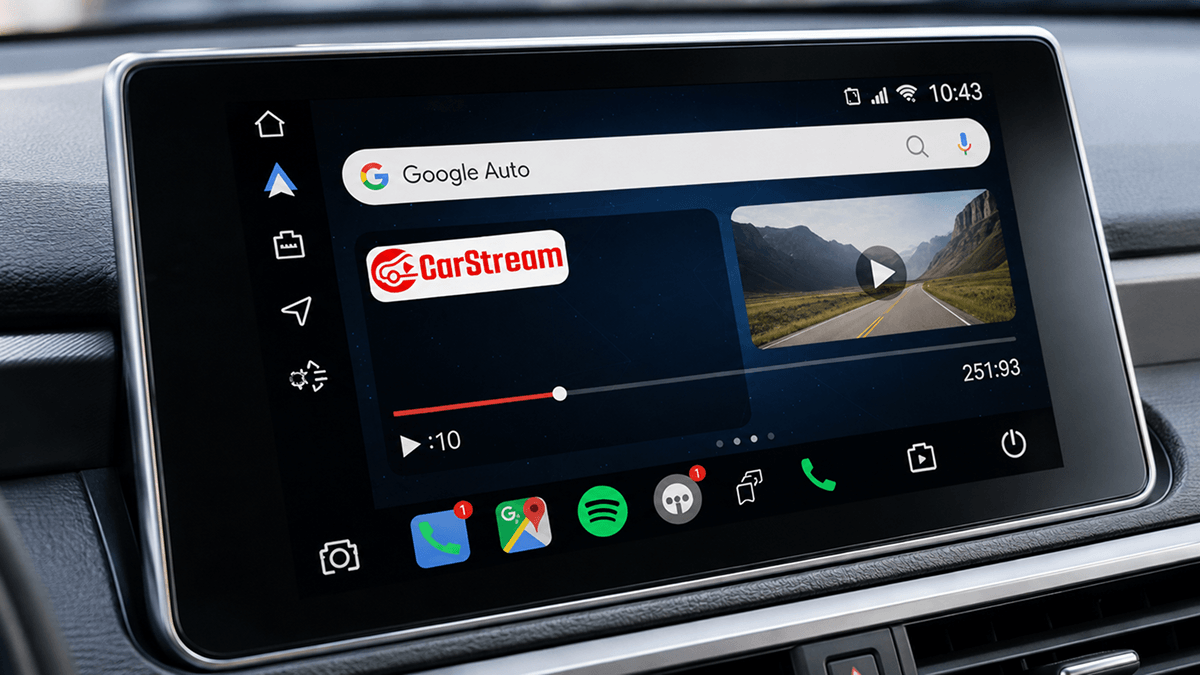
Most Android Auto users discover the same frustration, YouTube and video apps are blocked by default on their car screen. While your dashboard is excellent for navigation, Google restricts video playback for safety reasons. However, there is a simple Carstream APK that changes this without requiring you to root your phone. This official guide covers what the app actually is, where to download it safely, and how it works with your Android device.
Quick Answer: What You Need to Know
Root Required?: No, it works on standard Android phones without rooting.
Safety: It is safe to use when downloaded from at aastore.carstream.app.
Compatibility: Fully supports Android 10 through Android 13. Partial support for Android 14. Android 15 and above not supported.
Best For: Passengers or watching content while your vehicle is safely parked.
What is Carstream APK?
Carstream APK is a free multimedia application that allows you to watch YouTube videos directly on your vehicle display. It acts as a bridge for your car screen, solving the problem of restricted content in stock Android Auto. While Google blocks video apps to prevent driver distraction, this app provides a workaround for passengers or for when you are safely parked. It is a specialized screen mirroring and streaming app designed specifically for the carstream android auto environment.
It is important to correct a common misrepresentation found on some third party sites. The Carstream APK is not a video downloading app designed for offline saving. Instead, it is a tool that allows your phone to send video data to the car stereo, effectively bypassing the standard app restrictions.
This makes the carstream app a reliable solution for modern drivers who want more functionality from their infotainment systems. It functions without needing root access, which means you do not have to modify your phone's core software to make it work. It provides the flexibility that many users feel is missing from the standard, limited catalog found in the official Google Play Store.
Carstream Android Version Compatibility
Compatibility is a key concern for many users. The Carstream APK is designed to work with most modern Android devices and car systems. It supports both USB and wireless Android Auto connections. Based on firsthand testing, Android 13 is verified and stable on the Xiaomi Redmi A3 using CarStream v2.0.5. Below is the current compatibility status for various Android versions:
| Android Version | Compatibility Status |
|---|---|
| Android 10 | Fully Supported |
| Android 11 | Fully Supported |
| Android 12 | Fully Supported |
| Android 13 | Fully Supported |
| Android 14 | Partially Supported |
| Android 15 | Not Supported |
What Can You Do with Carstream?
With the Carstream APK, you can do much more than just listen to music. The primary feature is the ability to stream android auto youtube videos directly to your dashboard. The interface is polished and functions very much like the standard YouTube app you use on your phone. You can search for specific videos using your phone's keyboard, access your personal subscriptions, and even watch vertically filmed YouTube Shorts. This is particularly useful for listening to long playlists of songs for hours without needing to interact with your mobile device.
Because the app includes a built-in browser, you can also browse through available online content. While you are using the app, you can easily customize the volume of the video, rewind to a specific timestamp, and even zoom in or out on different frames using the vehicle screen controls. You can also mirror your phone to your car to display other supported content.
The app includes a search bar where you can submit requests or paste the URL of specific content to find matches quickly. However, there are limitations to be aware of. The app does not automatically update itself because it does not usually have access to the official Google Play Store.
Additionally, the Carstream APK does not support local media playback. It is primarily designed for streaming YouTube videos and does not allow you to play local media files or other offline formats. It also lacks support for IPTV links. While the app can function while the car is in motion to allow passengers to watch videos, you should never watch videos yourself while driving
Note that carstream android 13 is currently the latest Android version with full support. Android 14 has partial support, meaning some features may not work as expected on all devices. If you are on Android 15, you will need to look at alternative apps. If you are on Android 16, read our full Carstream on Android 16 guide. For Android 17 users, see our Carstream on Android 17 guide.
Always check for updates if you have recently upgraded your phone. Some users with the latest hardware have reported issues where the app may not load correctly. In these cases, a clean reinstall of the Carstream APK is often the best solution to maintain functionality.
How to Get Started with Carstream
Getting started with the Carstream APK is a straightforward process that does not require expert technical skills. Here is a brief three step overview to get you going:
-
1
Download Carstream APK: Visit at https://aastore.carstream.app/ to get the latest installer.
-
2
Install the APK: Open the file on your phone. You will need to enable "Unknown sources" in your settings if prompted by the Android installer.
-
3
Connect to Your Car: Plug your phone into your vehicle using a USB cable or connect via wireless Android Auto and open the app launcher.
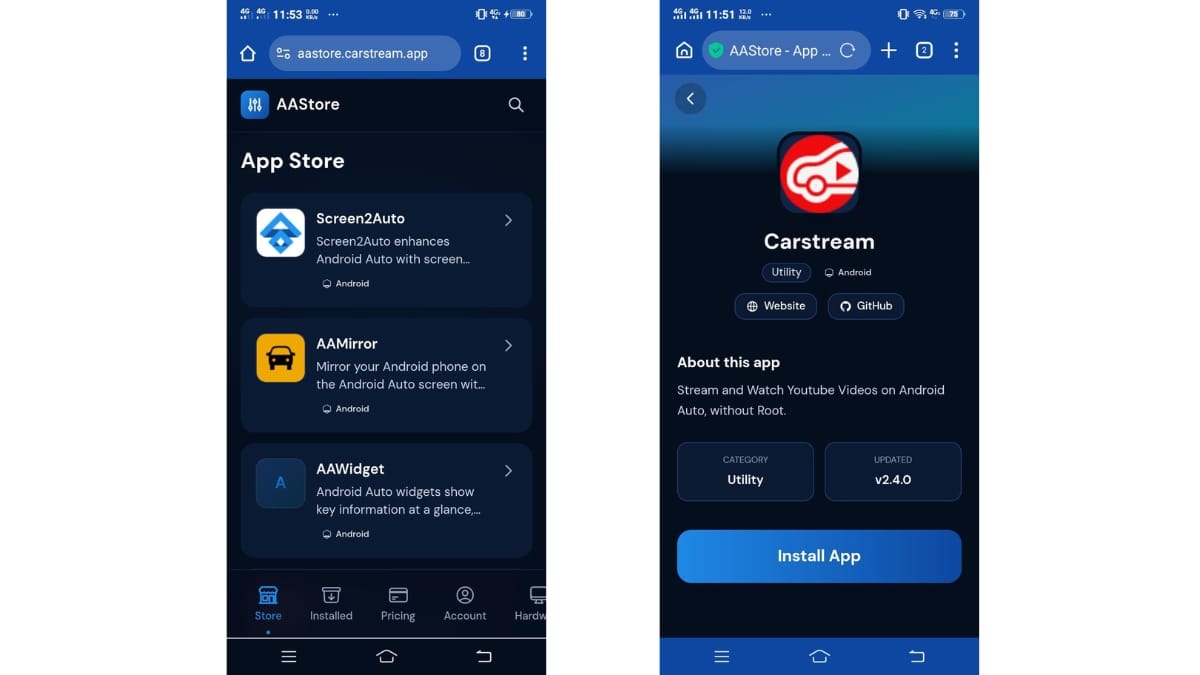
To make the app work, you will also need to enable developer mode within the Android Auto settings on your phone. This involves tapping the "Version" information multiple times until the developer options are unlocked. For the full step-by-step setup walkthrough, including these specific developer settings, see our how to set up Carstream guide.
Carstream vs Other Android Auto Apps
While the Carstream APK is the most widely used choice for android auto apps on Android 13 and below, it is not the only option available for sideloading. Some users may prefer an all-in-one media toolkit or a dedicated web browser depending on their specific needs.
| Feature | Carstream | Fermata Auto | AA Browser |
|---|---|---|---|
| YouTube Support | Yes | Yes | No |
| Web Browsing | Yes | Yes | Yes |
| Local Media Playback | No | Yes | No |
| IPTV Support | No | Yes | No |
As shown in the table, the Carstream APK is highly focused on the YouTube and web streaming experience, offering a familiar interface that mimics the official YouTube app.
Fermata Auto is designed to handle locally stored videos and live TV via IPTV links in addition to YouTube.
AAbrowser is a web-based solution primarily recommended for Android 16 and above users.
If you are on Android 13 or below, Carstream APK remains the recommended choice. See our full Carstream vs Fermata Auto comparison for more details on which tool fits your car setup best.
The Carstream APK is the simplest way for Android Auto users on Android 13 and below to unlock YouTube and video streaming on their car screen. It bypasses factory restrictions to turn your car into a more capable entertainment hub for passengers and long waits. It provides a reliable solution for those looking to expand their vehicle's entertainment capabilities.
Frequently Asked Questions
Common questions about CarStream APK
What is Carstream APK?
Carstream APK is an Android app that lets you watch YouTube and stream video on your Android Auto car screen. It works by mirroring supported content through Android Auto without requiring you to root your phone. The app is available at aastore.carstream.app.
Is Carstream APK free?
The app is described as a free multimedia app. However, the AAStore platform used to install it requires a one-time purchase to activate app slots. You can check the current plans and pricing directly on the website before you begin your installation.
Does Carstream work on Android 15?
No, Carstream APK does not support Android 15. Full support covers Android 13 and below, with partial support available on Android 14. If you are on Android 15 or above, see our Android 16 compatibility guide for the recommended alternative.
What apps can I use with Carstream on Android Auto?
You can primarily use YouTube and a built-in web browser through this application. This allows you to search for videos, access your subscriptions, and watch YouTube Shorts. For other media types like local files or IPTV, you should use alternative tools like Fermata Auto.
Does Carstream work on iPhone?
AAStore installs APK files directly on your Android phone. Android may ask you to allow installation from the source before the APK can be installed.