CarStream vs Fermata Auto: Which Is Better in 2026?

Last updated: August 2026.
Choose Fermata Auto if you want a more complete media player with support for local media, playlists, IPTV, subtitles and advanced playback options.
For many users, Fermata Auto offers more functionality. CarStream remains the more focused option for users who mainly want YouTube.
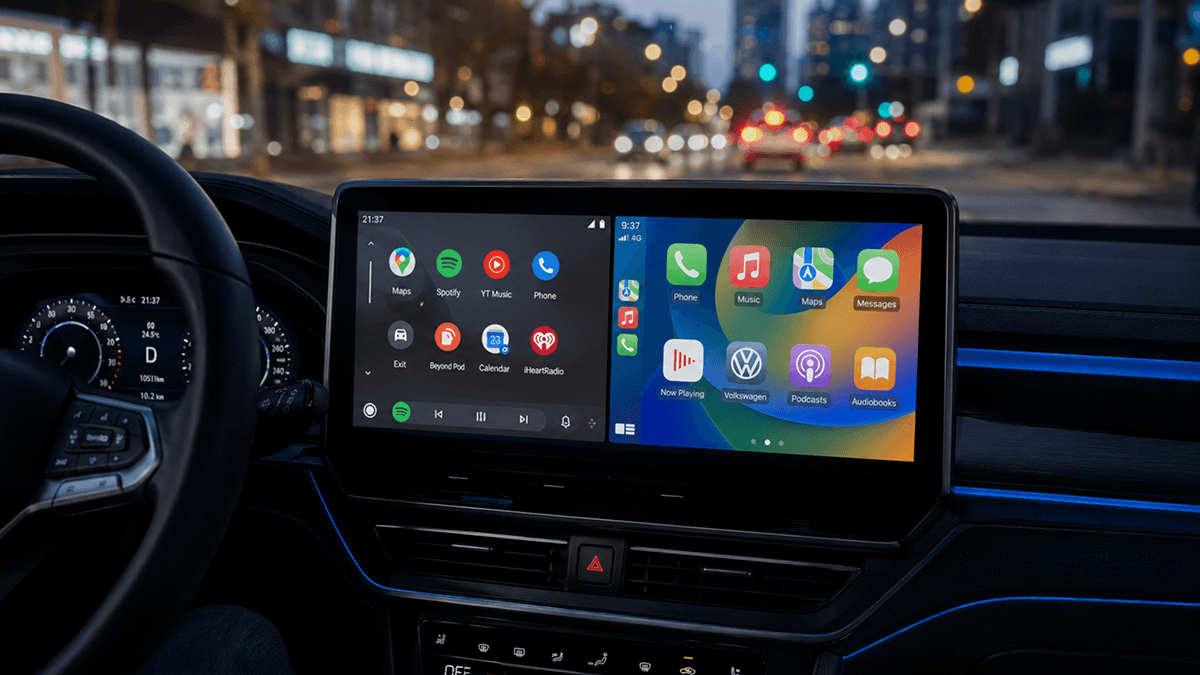
CarStream and Fermata Auto are two popular options for adding more media features to Android Auto. CarStream is mainly focused on YouTube and video playback, while Fermata Auto offers more features such as local media, IPTV, playlists, and subtitles.
This guide compares CarStream vs Fermata Auto to help you choose the better option for your needs.
CarStream vs Fermata Auto Comparison
| Feature | CarStream | Fermata Auto |
|---|---|---|
| Main purpose | YouTube and video playback | Full Android Auto media player |
| YouTube support | Yes | Yes |
| Local video playback | Supported in some CarStream implementations | Yes |
| Local audio | Limited compared with Fermata | Yes |
| IPTV | Not a primary feature | Yes |
| Playlists | Basic/video-focused | Yes |
| Subtitles | Limited | Yes |
| Multiple playback engines | Limited | Yes |
| Screen mirroring | Not its primary purpose | Fermata Mirror available |
| Android Auto integration | Yes | Yes |
| Root always required? | No universal answer | No universal answer |
| Open-source upstream | Original project available | Yes |
| Best for | YouTube-focused users | Advanced media users |
| Current official upstream development | Original project is old | Actively maintained |
| Installation option | AAStore | AAStore |
What Is CarStream?
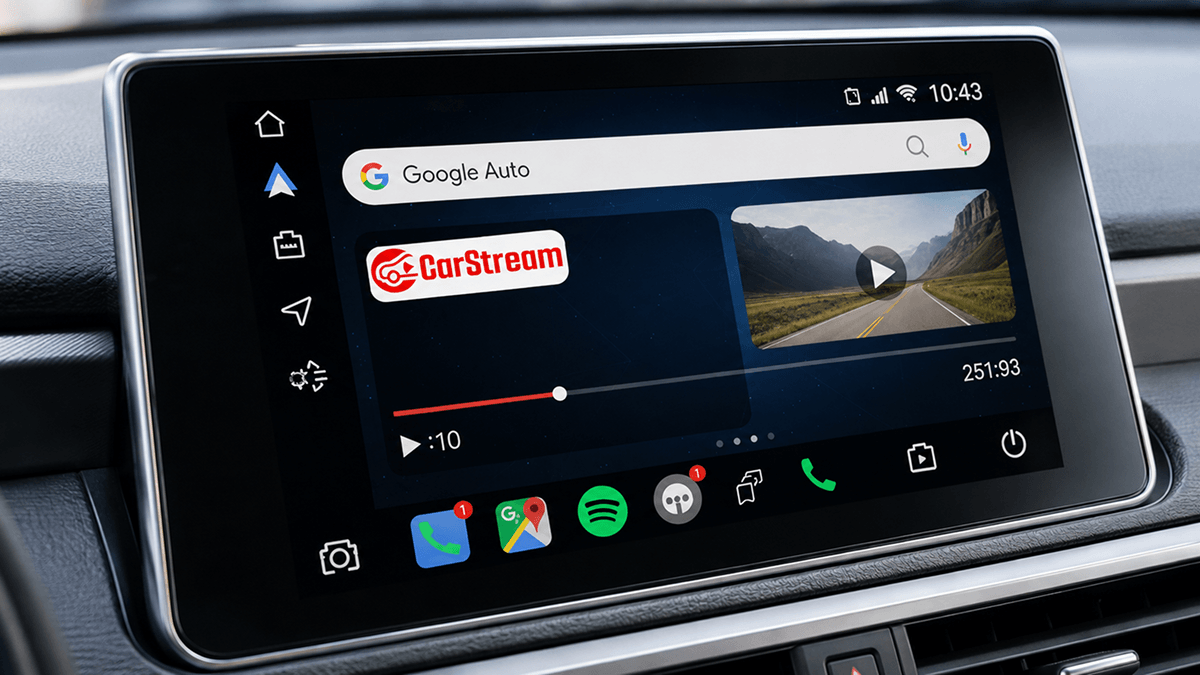
CarStream is a third-party Android Auto application designed primarily for watching YouTube and other video content through a vehicle's infotainment display.
The original CarStream project describes itself as a YouTube, Plex, and local-video player for Android Auto.
Its biggest appeal is simplicity.
If your main goal is to access YouTube without configuring a full media-center application, CarStream offers a more focused experience than Fermata Auto.
Check out how to setup Carstream app on Android devices.
What Can CarStream Do?
Depending on the build and installation method, CarStream can provide functionality such as:
- YouTube playback
- Web-based video playback
- Video browsing
- Full-screen playback
- Local video support in certain builds
- Android Auto integration
CarStream is therefore best viewed as a video-focused Android Auto application, rather than a full media-management platform.
Get CarStream for Android Auto
If CarStream matches what you need, you can access it through AAStore.
What Is Fermata Auto?
Fermata Auto is the Android Auto component of Fermata Media Player, an open-source media application designed for audio, video, IPTV, YouTube, playlists, subtitles, and other media functions.
Compared with CarStream, Fermata Auto is considerably more feature-rich.
Instead of focusing almost entirely on YouTube, Fermata is designed as a broader media platform.
What Can Fermata Auto Do?
Fermata supports features including:
- YouTube playback
- Local video playback
- Local audio playback
- Folder-based media browsing
- Favorites
- Playlists
- M3U playlists
- CUE playlists
- IPTV
- XMLTV EPG support
- IPTV catch-up features
- Bookmarks
- Playback-speed controls
- Audio effects
- Subtitles
- Multiple playback engines
- Android Auto integration
- Android TV
- Fermata Mirror
This makes Fermata Auto particularly attractive for users who want more than just YouTube.
Get Fermata Auto for Android Auto
If you want the broader feature set offered by Fermata Auto, you can access it through AAStore.
Latest Fermata Auto Version
The latest official Fermata release currently listed by the project's GitHub repository is Fermata 2.0.1.
Version 2.0.1 introduced or updated features including:
- SponsorBlock support for YouTube
- Automatic selection of the highest available YouTube video quality
- Subtitle translation based on Opus-MT
- Automated APK build workflows
- Library updates
- General fixes
The previous Fermata 2.0.0 release also introduced automatic real-time subtitle generation.
This active development is one of Fermata Auto's biggest advantages over the original CarStream upstream project.
CarStream vs Fermata Auto: Main Differences
1. CarStream Is More Focused on YouTube
The main reason people install CarStream is typically straightforward:
They want YouTube or video playback through Android Auto.
The app is therefore easier to understand if you do not need IPTV, extensive local-media management, advanced subtitle tools, or multiple playback engines.
For that use case, the narrower feature set can actually be an advantage.
Best for: users primarily interested in YouTube.
Try CarStream via AAStore
2. Fermata Auto Is a Complete Media Player
Fermata Auto goes considerably further.
It can manage:
- YouTube
- Local music
- Local videos
- IPTV streams
- Playlists
- Subtitles
- Multiple playback engines
- Media libraries
- Mirroring features
This makes Fermata Auto closer to a complete Android Auto media center.
Best for: users who want one app for several types of media.
Try Fermata Auto via AAStore
CarStream vs Fermata Auto for YouTube
If YouTube is the main reason you are installing one of these apps, both are relevant.
CarStream
CarStream's identity is closely associated with YouTube playback.
Its focused design makes it attractive for users who want to browse and play online video without dealing with a large number of media-management options.
Fermata Auto
Fermata also supports YouTube-related functionality and its recent updates have expanded that experience.
Fermata 2.0.1 includes:
- SponsorBlock support
- Automatic highest-quality video selection
- Subtitle-related improvements
Winner for YouTube Simplicity: CarStream
Choose CarStream when you primarily want a straightforward YouTube-oriented experience.
Winner for Advanced YouTube Features: Fermata Auto
Choose Fermata when YouTube is only one part of a larger media setup.
CarStream vs Fermata Auto for Local Videos
Fermata Auto is the stronger option for users who store media directly on their phones.
It is designed around browsing and playing local media and includes significantly more library-management functionality.
CarStream has historically supported local video in some versions, but local-media management is not its primary strength.
Winner: Fermata Auto
If you maintain a library of downloaded videos, movies, music, or other files, Fermata is generally the better choice.
Get Fermata Auto from AAStore
CarStream vs Fermata Auto for IPTV
This category has a clear winner.
Fermata Auto includes dedicated IPTV functionality, including playlist and EPG-related support.
CarStream is not primarily designed as an IPTV application.
Winner: Fermata Auto
Choose Fermata if IPTV is important to you.
What Is Fermata Mirror?
Fermata also includes Fermata Mirror, a screen-mirroring component.
This is important because Fermata Auto is sometimes incorrectly described as an app that simply lets you launch any Android application through Android Auto.
That description is too broad.
Fermata is primarily a media application, while Fermata Mirror adds screen-mirroring functionality.
The project's release history documents dedicated Fermata Mirror services and improvements to its mirroring behavior.
However, functionality can vary depending on:
- Device model
- Android version
- Android Auto version
- Root status
- Permissions
- Installation method
Does CarStream Require Root?
There is no universal yes-or-no answer.
The original CarStream repository documented a rooted-phone method after Google blocked custom Android Auto apps.
However, modern installation approaches can differ.
Whether you need root can depend on:
- Android version
- Android Auto version
- Phone manufacturer
- Installation method
- Security restrictions
- Android Auto configuration
Therefore, avoid assuming that CarStream is either always rooted or always root-free.
Check the requirements for your specific device before installation.
Does Fermata Auto Require Root?
Again, not necessarily, but there is no guarantee that every device will work without it.
Fermata can work through different configurations, and its mirroring functionality has historically included both accessibility-based and root-based approaches.
Some setups can work without root, while others may need:
- Root
- LSPosed
- Additional permissions
- ADB configuration
- Compatible Android Auto hardware or adapters
- Alternative installation methods
The correct answer therefore depends on your Android and Android Auto environment.
CarStream vs Fermata Auto on Android 14, Android 15, and Android 16
Recent Android releases have made sideloaded Android Auto applications more complicated.
An app may install successfully on the phone but still fail to appear in the Android Auto launcher.
Common variables include:
- Android version
- Android Auto version
- Google Play Services
- Device manufacturer
- USB vs wireless Android Auto
- App installation source
- Root status
- Permission configuration
Because of this, compatibility should be evaluated on a device-by-device basis.
Neither CarStream nor Fermata Auto should be promoted as universally compatible with every Android 14, Android 15, or Android 16 phone.
Recommendation for Android 15 and Android 16 Users
If your phone runs Android 15 or a newer version such as Android 16, we recommend considering the AABrowser solution instead of spending too much time troubleshooting older Fermata Auto installation methods.
Newer Android releases and recent Android Auto updates have made some traditional third-party app installation methods less reliable. The Fermata project's own issue tracker includes reports from Android 15 users where Fermata Auto does not appear correctly in Android Auto.
AABrowser is a newer Android Auto-oriented solution that has been discussed in the Fermata Auto community as an easier option for accessing browser-based content, including YouTube, on newer Android versions.
Read also,
Frequently Asked Questions
Common questions about CarStream and Fermata Auto
What is CarStream?
CarStream is a third-party Android Auto application best known for playing YouTube and other video content through an Android Auto-compatible display.
What is Fermata Auto?
Fermata Auto is the Android Auto component of Fermata Media Player, an open-source media application supporting YouTube, local audio and video, IPTV, playlists, subtitles, and other media features.
Is Fermata Auto better than CarStream?
Fermata Auto has considerably more features. CarStream may be preferable if your main goal is a simpler YouTube-oriented experience.
Is CarStream better for YouTube?
CarStream is more focused on YouTube and video playback, making it a good choice for users who do not need Fermata’s additional media-management features.
Does Fermata Auto support YouTube?
Yes. Fermata supports YouTube functionality, and version 2.0.1 includes SponsorBlock and automatic selection of the highest available YouTube video quality.
What is the latest Fermata Auto version?
The latest official Fermata GitHub release currently listed is 2.0.1.
Is Fermata Auto safe?
The official Fermata project is open source. As with any sideloaded Android application, use a trusted distribution source and avoid unknown modified APKs.
Is CarStream safe?
Safety depends in part on where the APK comes from. Avoid unknown modified versions and verify the source before installation.
Does CarStream require root?
Not in every possible configuration, but root requirements depend on the Android version, Android Auto version, device, and installation method.
Does Fermata Auto require root?
Not in every setup. Some configurations work without root, while others—particularly certain mirroring or Android Auto configurations—may require root or additional workarounds.
Can Fermata Auto add any Android app to Android Auto?
Not exactly. Fermata Auto is primarily a media player. Fermata Mirror adds screen-mirroring functionality, but Fermata should not be described as a universal arbitrary-app launcher.