How to Mirror Any App to Android Auto using AA Mirror Plus? (2026)

Last updated: August 2026.
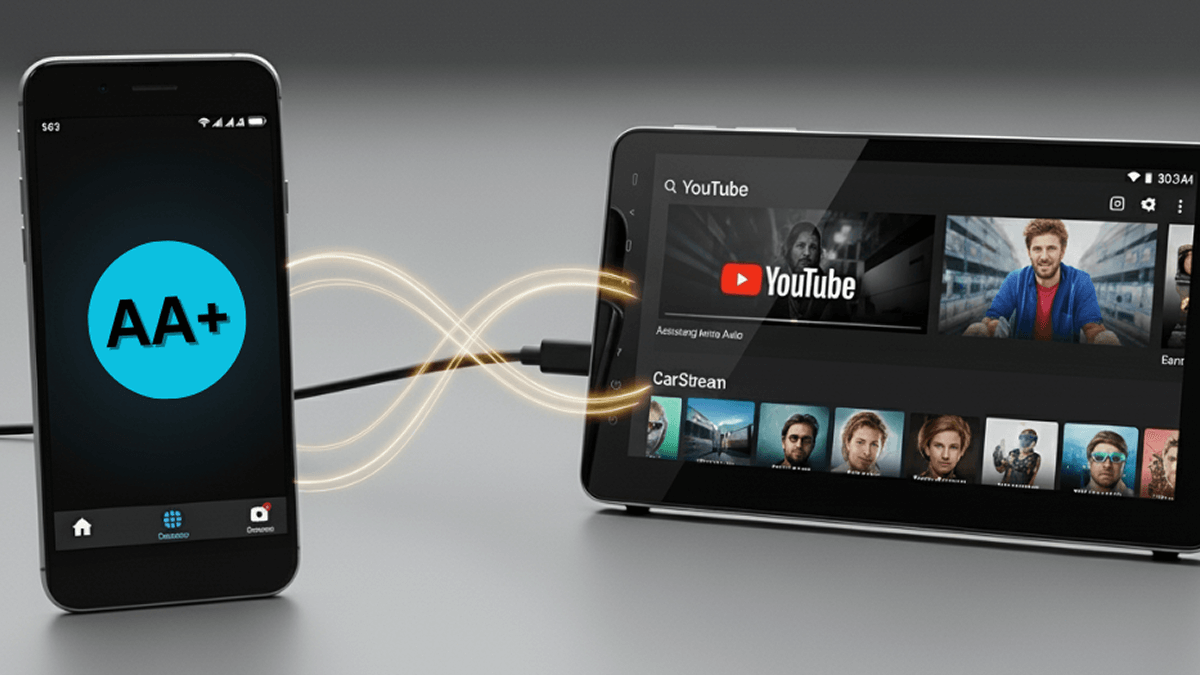
AA Mirror Plus is an unofficial Android Auto screen-mirroring app that lets you display your Android phone screen on a compatible car infotainment system. It is an enhanced alternative to the original AA Mirror app and is commonly searched as AA Mirror Plus APK, AAMirror Plus APK, AAMirror Plus, or simply AAMirror.
With the AA Mirror app, you can mirror supported content from your phone to your Android Auto display. However, because AA Mirror Plus is not an officially supported Google Android Auto app, compatibility can vary depending on your phone, Android version, Android Auto version, and vehicle head unit.
Download AA Mirror Plus via:
Download AA Mirro Plus via AAStore
AAStore is a dedicated Android Auto app store created for apps that are not usually available through the Google Play Store. It allows Android users to browse, download, and install supported Android Auto apps on their phone.
Step 1: Go to AAStore
After going to AAStore:
- Find AA Mirror Plus or tap on:
- Wait until it is installed on your Android device
Step 2: Customize Android Auto Settings
- Go to device settings, search for “Android Auto”, open it
- Scroll to the very bottom, under Version, tap once to reveal long info
- Tap 10x on the long texts under “Version and Permission info”
- You will see a pop-up about enabling developer mode
- Now developer mode is enabled
- Click on the 3 dots on the top right-hand side, you should now see “Developer settings”, open it
- Turn application mode to developer
- Check whether you've allowed unknown sources
- Add AA Mirror Plus on Android Auto
Install AA Mirror Plus APK Using AAAD
AA Mirror Plus is generally distributed outside Google Play because Android Auto restricts which applications can run directly on the vehicle display.
One common installation option is AAAD (Android Auto Apps Downloader), a third-party installer designed for Android Auto applications.
Basic installation:
- Install a trusted Android Auto third-party app installer such as AAAD.
- Find AA Mirror Plus or AAMirror Plus.
- Install the app on your Android phone.
- Grant only the permissions required for screen capture and mirroring.
- Connect your phone to Android Auto.
- Check the Android Auto launcher for AA Mirror Plus.
- Start mirroring while the vehicle is safely parked.
A successful AA Mirror Plus APK download does not guarantee that the app will work on every device. Android and Android Auto updates can restrict or break unofficial mirroring applications.
AA Mirror Plus Features
AA Mirror Plus is mainly designed for full-screen phone mirroring. Depending on your device and configuration, features can include:
- Full Android screen mirroring
- Portrait and landscape orientation controls
- Brightness adjustments
- App launcher and favorites controls
- Touch interaction on compatible setups
- Screen resizing for different infotainment displays
Some advanced functions, particularly multitouch, hardware-key control, and certain screen-resizing features, may require root access.
Alternatives to AA Mirror Plus [Software]
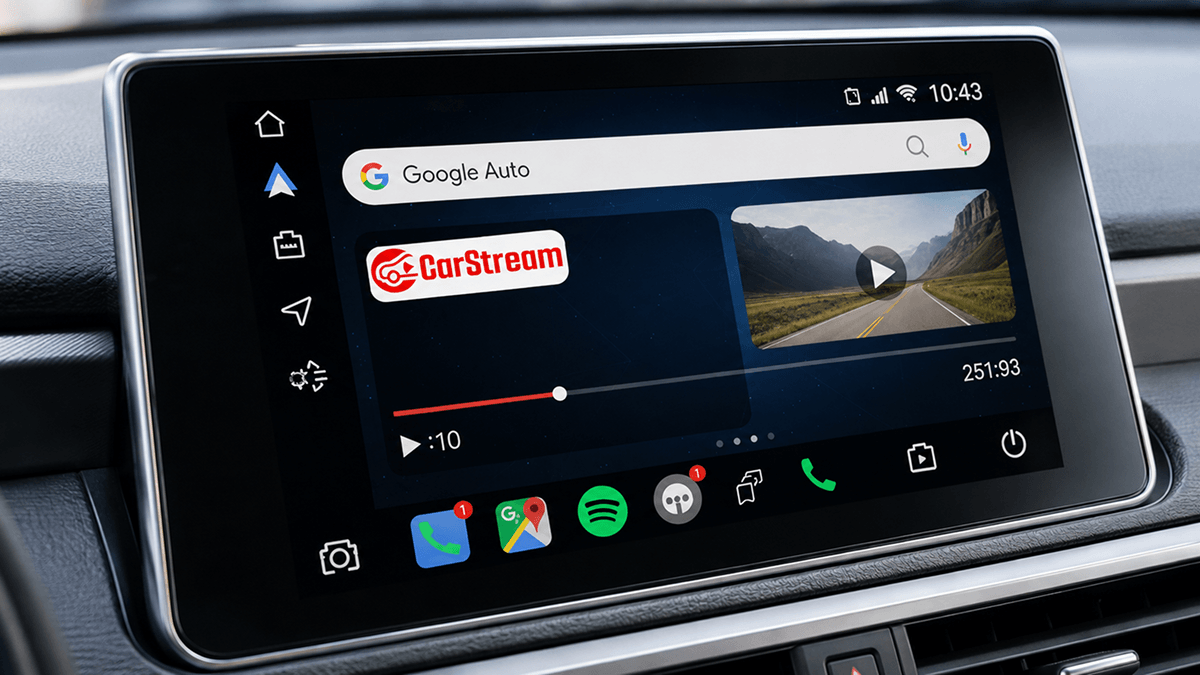
1. CarStream
CarStream is a popular easy to-use app among car enthusiasts. You can easily launch car stream apk on your Android Auto car. If you ever felt trouble zooming YouTube videos, here CarStream will save you. The latest CarStream 2.0 7 apk has user friendly interface. You can play YouTube videos easily!
Read how to setup CarStream on Android Auto via AAStore
2. Fermata Auto
Requirements:
- Android 7.0+ Android device
- Ready to root Android device
- Read How to Install Fermata Auto on Android Auto
3. Screen2Auto
- Android 7.0+ or lower Android device
- Ready to root Android device
- Read How to Use Screen2Auto to Add Any App to Android Auto
AA Mirror vs AA Mirror Plus
AA Mirror is the original open-source Android Auto screen-mirroring project. It includes full-screen mirroring, orientation and brightness controls, launcher drawers, and additional root-enabled features.
AA Mirror Plus builds on the same general concept while offering additional settings and changes intended to improve the mirroring experience.
If you find searches for aamirror, aa mirror, aamirror plus, or aamirror plus apk, they normally refer to this family of unofficial Android Auto mirroring tools.
Alternative Hardware Solution
Wireless CarPlay & Android Auto Adapter (EKIY Bluetooth AI Box)
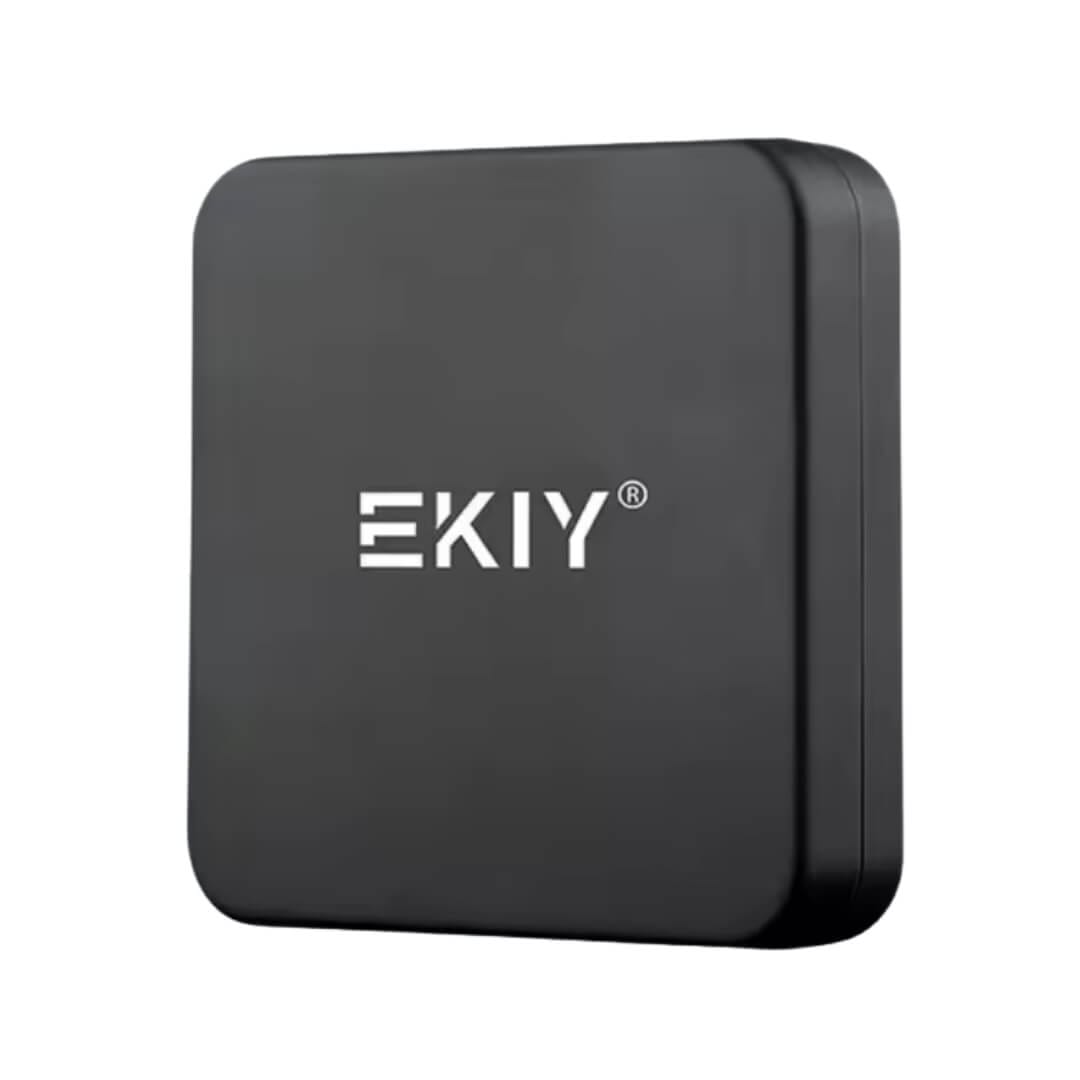
If your car only has wired CarPlay or Android Auto, this small adapter removes the cable entirely. It pairs once over Bluetooth and Wi-Fi, then reconnects automatically every time you start the car, so your phone stays in your pocket. It works with Google Maps, Spotify, Waze, calls, and messages with minimal lag, and installs in minutes with no extra setup.
Note: it only works with vehicles that already support wired CarPlay or Android Auto.
Does AA Mirror Plus Work Without Root?
Basic installation and mirroring may work without root when installed through compatible third-party Android Auto installation methods.
However, root access can be required for advanced functionality such as full multitouch control, hardware-key support, and screen resizing. Results also vary between Android and Android Auto versions.
AA Mirror Plus Not Working?
If the app installs but does not appear or mirror correctly:
- Restart your phone and reconnect Android Auto.
- Check Android Auto's Customize launcher settings.
- Confirm that required screen-capture permissions are enabled.
- Reinstall AA Mirror Plus from a trusted source.
- Check whether a recent Android or Android Auto update affected compatibility.
Some streaming services may also display a black screen because DRM-protected video cannot always be captured through normal Android screen mirroring.
Frequently Asked Questions
Common questions about AA Mirror Plus APK
What is AA Mirror Plus?
AA Mirror Plus is an unofficial Android Auto mirroring application designed to display an Android phone screen on a compatible vehicle infotainment display.
Is AA Mirror Plus available on Google Play?
Generally, no. AA Mirror Plus is distributed as a third-party Android application rather than an officially supported Google Play Android Auto app.
Is AA Mirror Plus the same as AA Mirror?
No. AA Mirror Plus is based on the same screen-mirroring concept but includes additional settings and modifications compared with the original AA Mirror project.
Can I use AA Mirror Plus while driving?
Screen mirroring and video applications can be highly distracting. Use entertainment and unrestricted phone-screen mirroring only when the vehicle is safely parked and follow applicable local traffic laws.